Here is a simplified explanation of the various scams in pictorial form
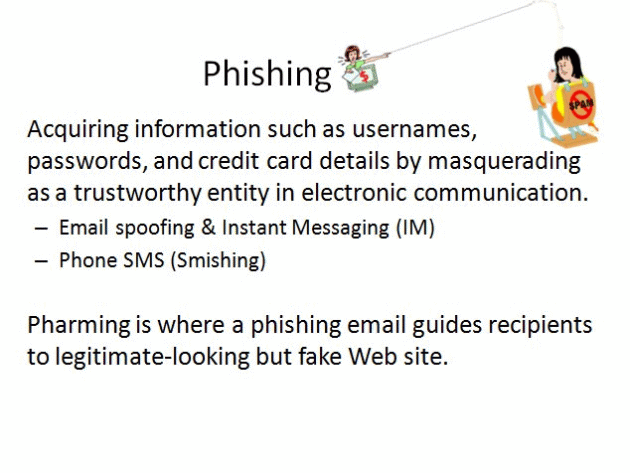
1. What phishing is. Acquiring information such as usernames, passwords and credit card details by masquerading as a trustworthy entity in electronic communication. It arrives by email spoofing and instant messaging, or by phone SMS (smishing). Pharming is where a phishing email guides recipients to a legitimate-looking but fake website.
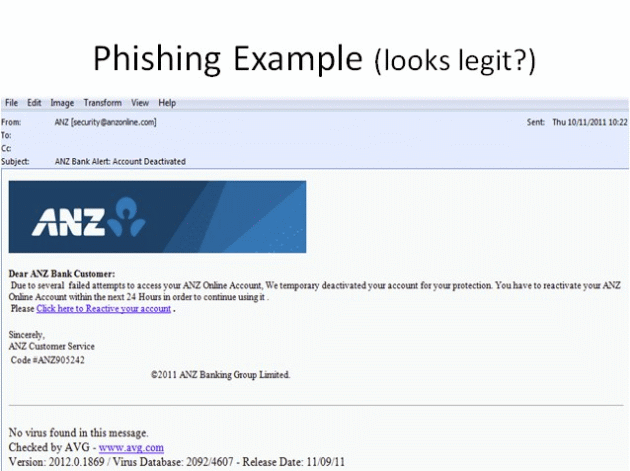
2. A phishing example that looks legitimate. A fake bank email tells the customer their online account has been deactivated and asks them to "reactivate" it within 24 hours by clicking a link. The sender address is not the bank's real domain.
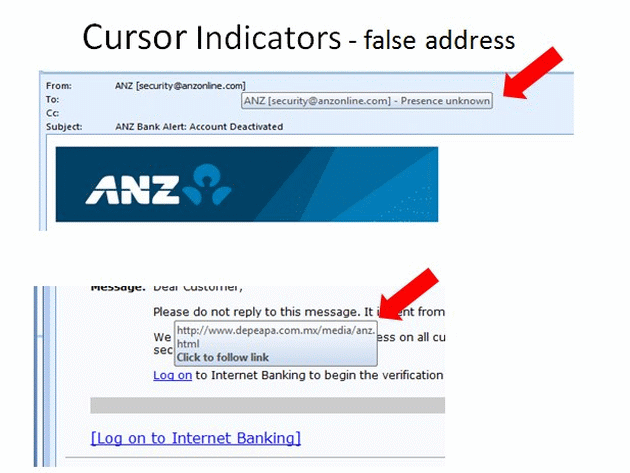
3. Cursor indicators — the false address. Hovering over a link without clicking makes the browser show the real destination in the status bar. In the example the visible text says one thing while the underlying address points somewhere else entirely.
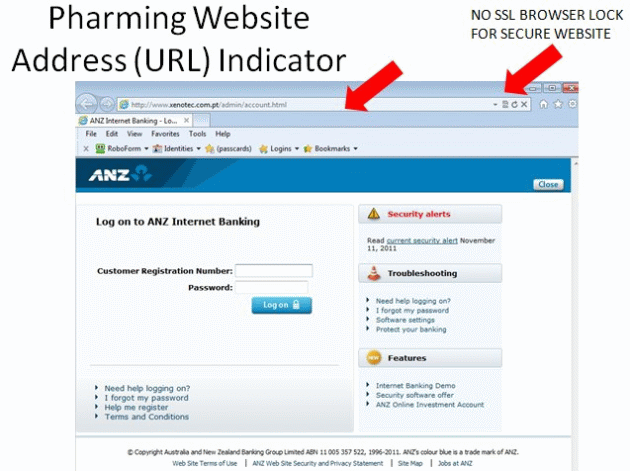
4. Pharming websites and the URL indicator. The address bar does not match the real bank domain, and there is no SSL browser lock for the secure website. A padlock and the correct domain are the minimum checks before entering any login.
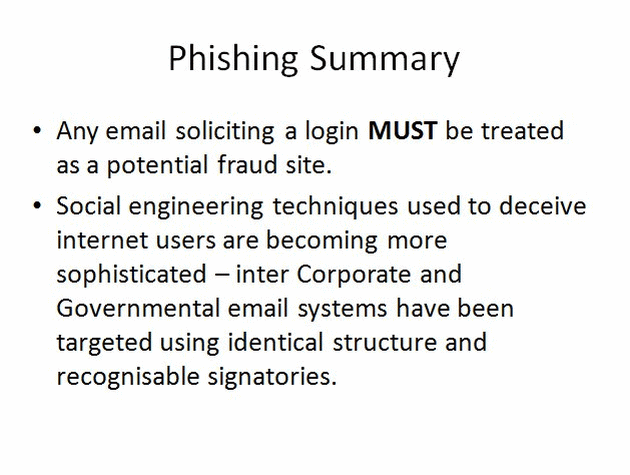
5. Phishing summary. Any email soliciting a login MUST be treated as a potential fraud site. Social engineering techniques are becoming more sophisticated — inter-corporate and government email systems have been targeted using identical structure and recognisable signatories.
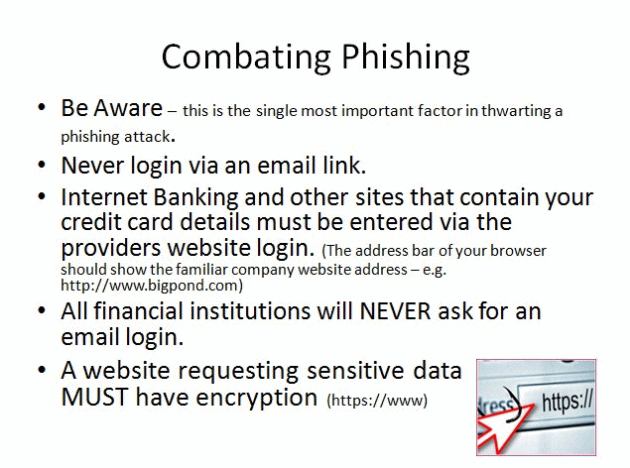
6. Combating phishing. Be aware — the single most important factor in thwarting an attack. Never log in via an email link. Enter banking and other sensitive sites through the provider's own login page. Financial institutions will never ask for an email login, and any site requesting sensitive data MUST use encryption (https://).
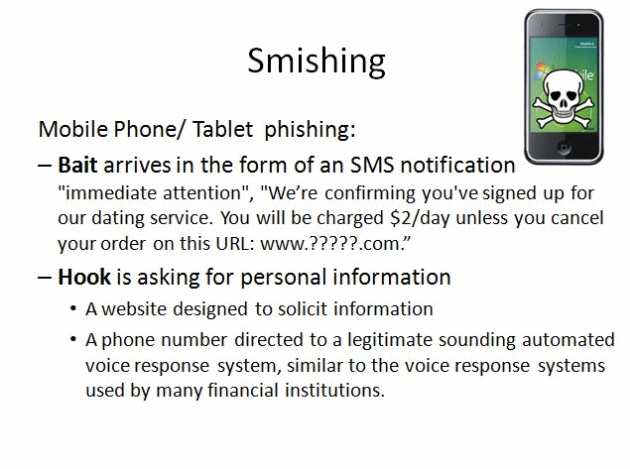
7. Smishing — mobile phone and tablet phishing. The bait arrives as an SMS notification demanding "immediate attention", often claiming you will be charged unless you cancel at a supplied URL. The hook is a request for personal information, either through a purpose-built website or a phone number connected to a convincing automated voice response system.
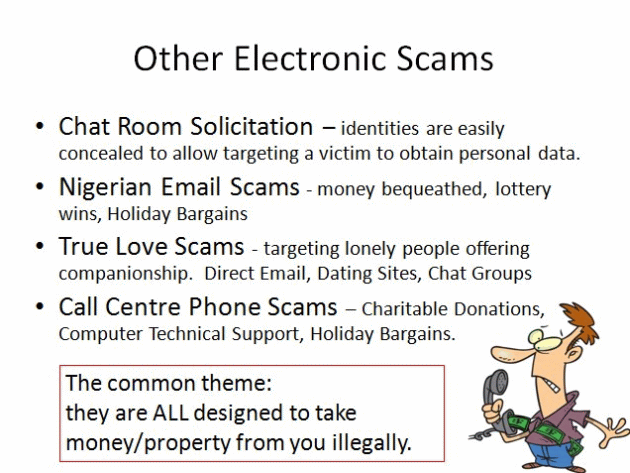
8. Other electronic scams. Chat room solicitation, where identities are easily concealed to obtain personal data. Nigerian email scams offering bequests, lottery wins and holiday bargains. True love scams targeting lonely people through email, dating sites and chat groups. Call centre phone scams — charitable donations, computer technical support and holiday bargains. The common theme: they are ALL designed to take money or property from you illegally.
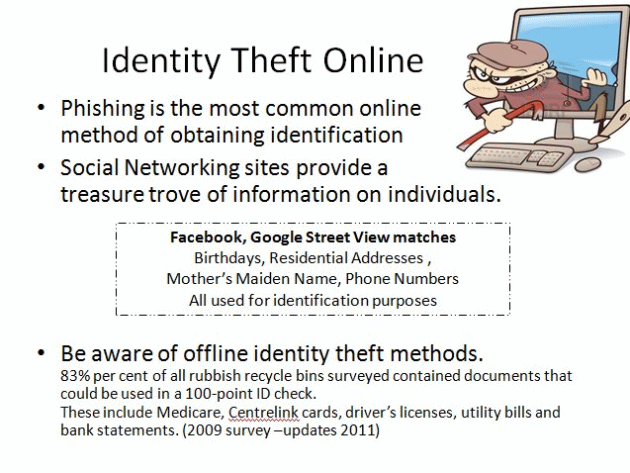
9. Identity theft online. Phishing is the most common online method of obtaining identification, and social networking sites provide a treasure trove of information — birthdays, residential addresses, mother's maiden name and phone numbers, all used for identification purposes. Offline methods matter too: a 2009 survey found 83 per cent of recycling bins contained documents usable in a 100-point ID check, including Medicare and Centrelink cards, driver's licences, utility bills and bank statements.
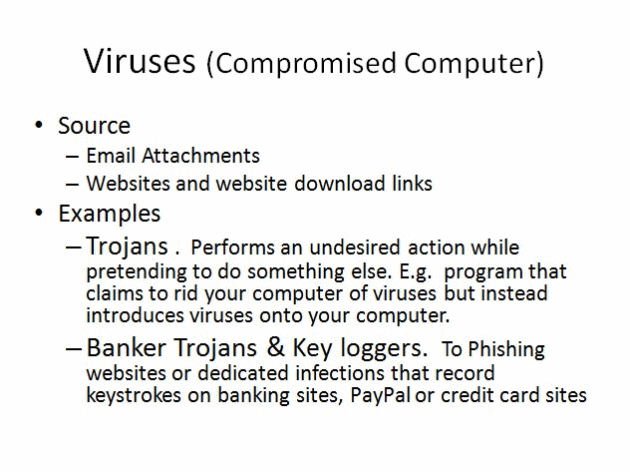
10. Viruses — the compromised computer. The source is usually email attachments or website download links. Trojans perform an undesired action while pretending to do something else — a program that claims to rid your computer of viruses but instead introduces them. Banker trojans and keyloggers record keystrokes on banking, PayPal and credit card sites.
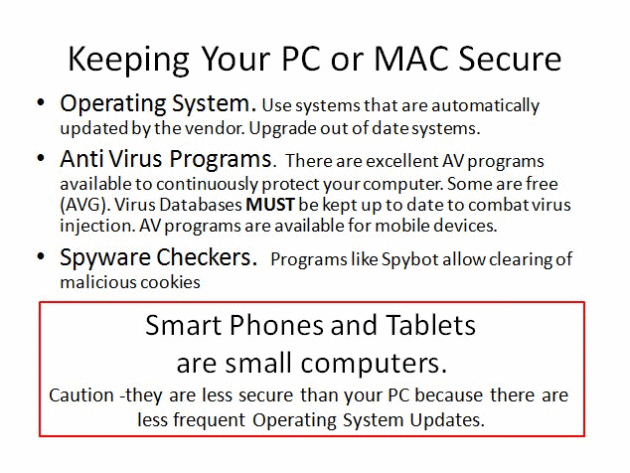
11. Keeping your PC or Mac secure. Use an operating system that updates automatically and upgrade out-of-date systems. Run anti-virus software and keep the virus database up to date — many good products are free. Use a spyware checker to clear malicious cookies. Remember that smartphones and tablets are small computers, and often less secure because their operating systems are updated less frequently.
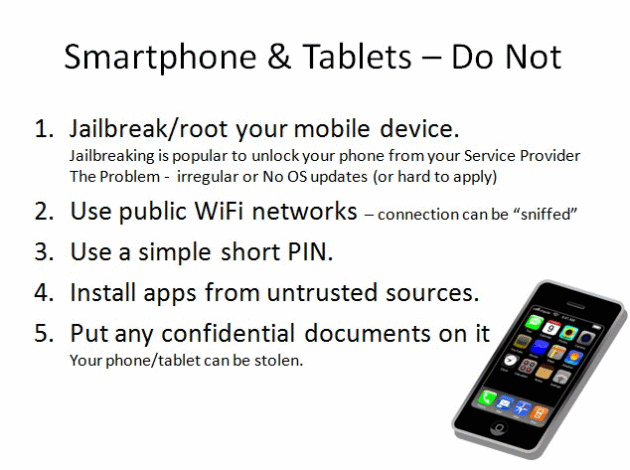
12. Smartphones and tablets — do not: jailbreak or root the device, which blocks regular operating system updates; use public WiFi networks, where the connection can be sniffed; use a simple short PIN; install apps from untrusted sources; or keep confidential documents on a device that can be stolen.
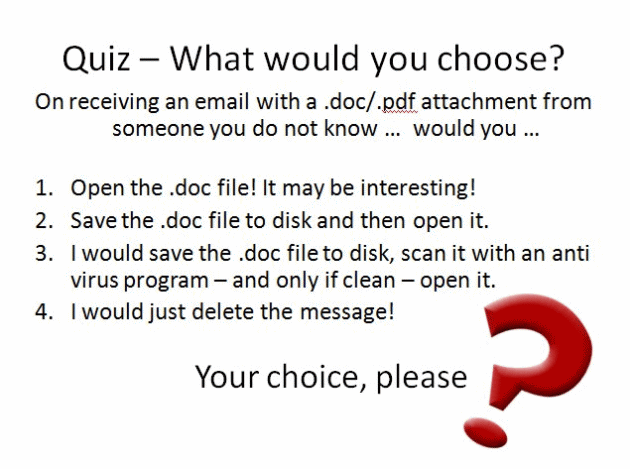
13. Quiz — what would you choose? On receiving an email with a .doc or .pdf attachment from someone you do not know, would you open it because it might be interesting, save it and then open it, save it and scan it with an anti-virus program before opening, or simply delete the message? The last option is the safest.
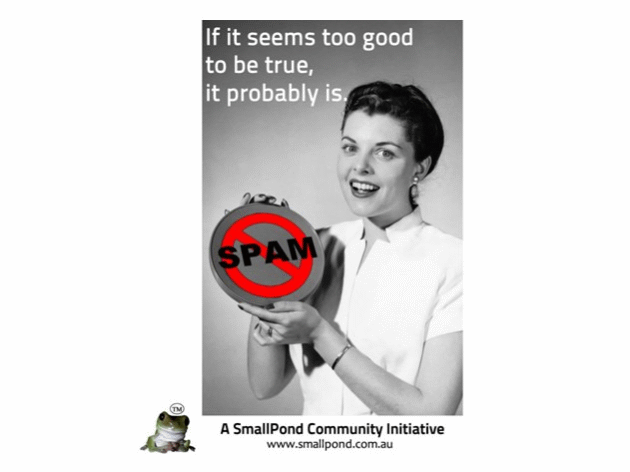
14. The rule that covers everything else. If it seems too good to be true, it probably is. Read more about the types of scams and the golden rules.